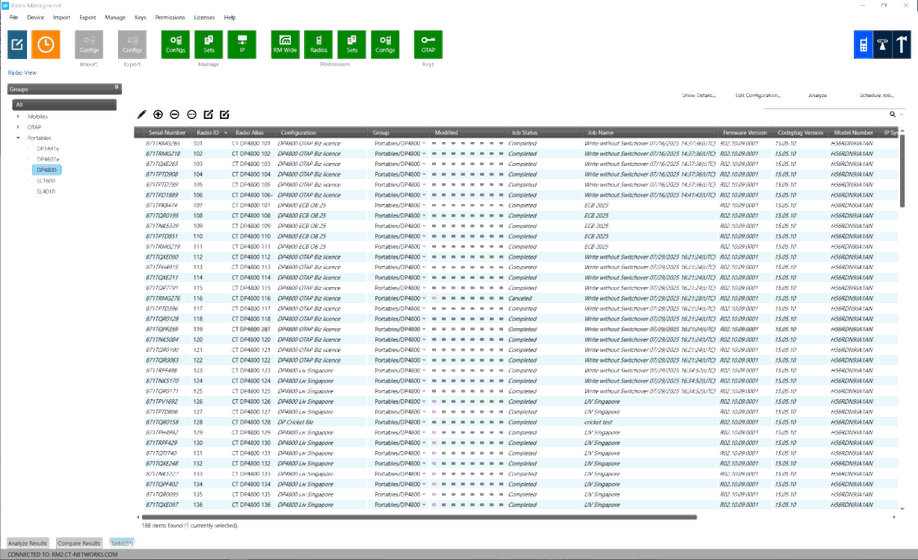
Fleet control
Radio Management Servers
- Over-the-air programming
- Firmware updates across the fleet
- Configuration held centrally
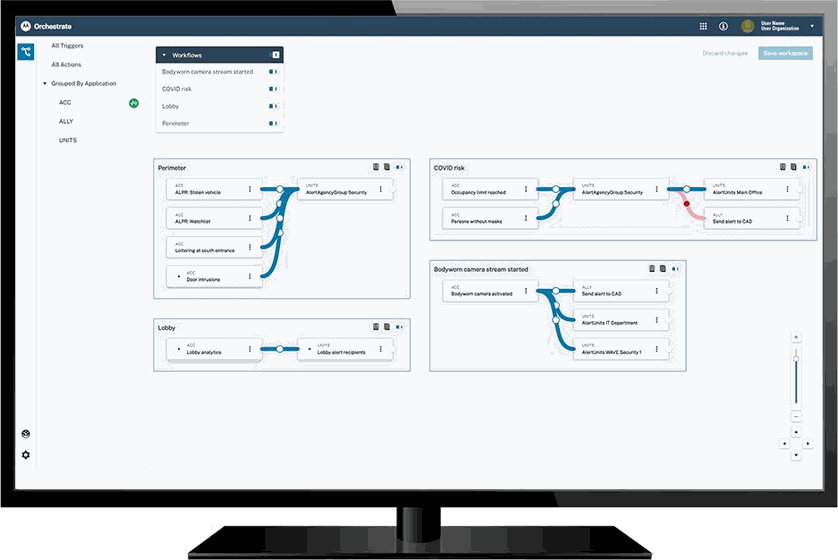
Dashboards built around what your managers actually need to see, rather than a generic report that nobody opens more than twice. We start from the question being asked and work back to the data the system already holds.
Nothing is bought here. Build a list and we come back with a written quote.
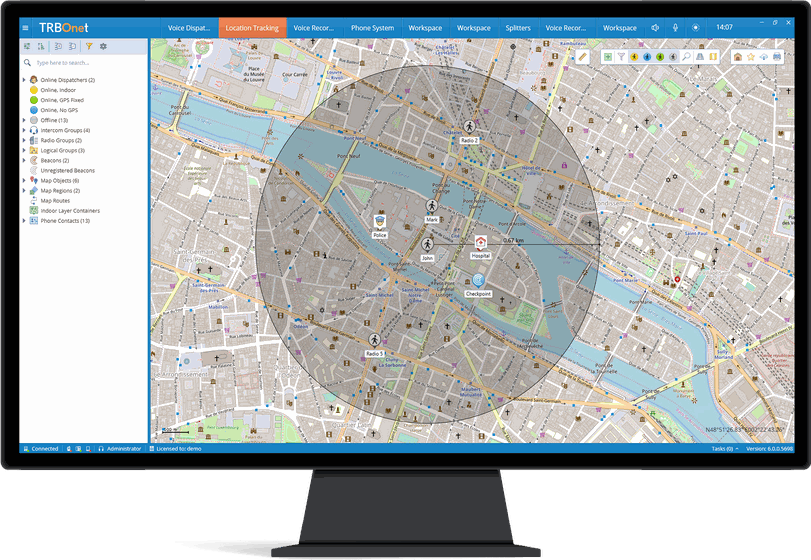
A dashboard is only useful if it answers a question somebody is actually asking. We start from the question: who is on air, where is the fleet, which radios have not been used in a month, how much traffic did each talkgroup carry last week.
Then we build back to the data the system already holds. The result is a screen a manager opens on purpose rather than a report that arrives by email every Monday and gets archived unread by Tuesday morning.
A dashboard is worth building when a question keeps being asked that nobody can answer. Where is the fleet, which radios are unused, which talkgroup is saturated. If nobody is asking, a dashboard becomes one more screen that goes unopened after the first week of novelty.
The data is almost always already there. Radio systems generate far more than anyone ever sees, so most of this work is deciding what actually matters and presenting it plainly rather than collecting anything new from the system itself.
The industries we supply the Custom Dashboards to, and how customers put it to work.
 UtilitiesView industry
 Local GovernmentView industry
 TransportationView industry
 HealthcareView industry
 EducationView industry
Which radios are being used and which have sat in a drawer for a month, usually a surprise worth having early.
How much air time each group carries, which tells you where the system is tight before anyone starts complaining.
We start from what a manager actually needs to know, then build back to the data the system already holds.
Every model in the Software and Servers range side by side, so you can see where this one sits and what the others offer.
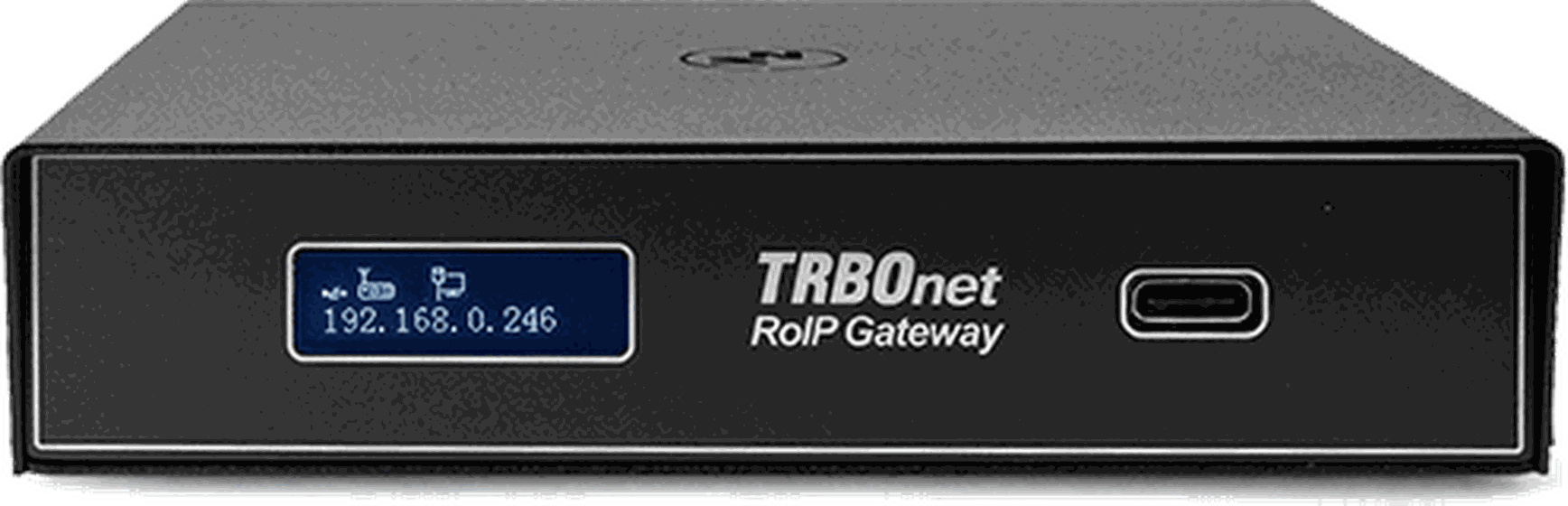
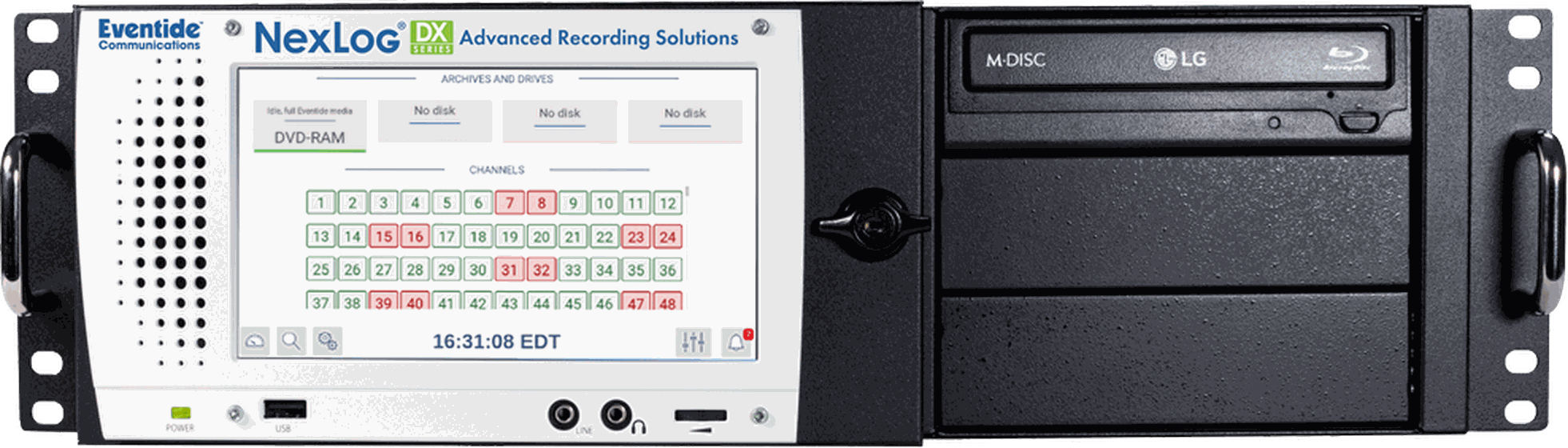
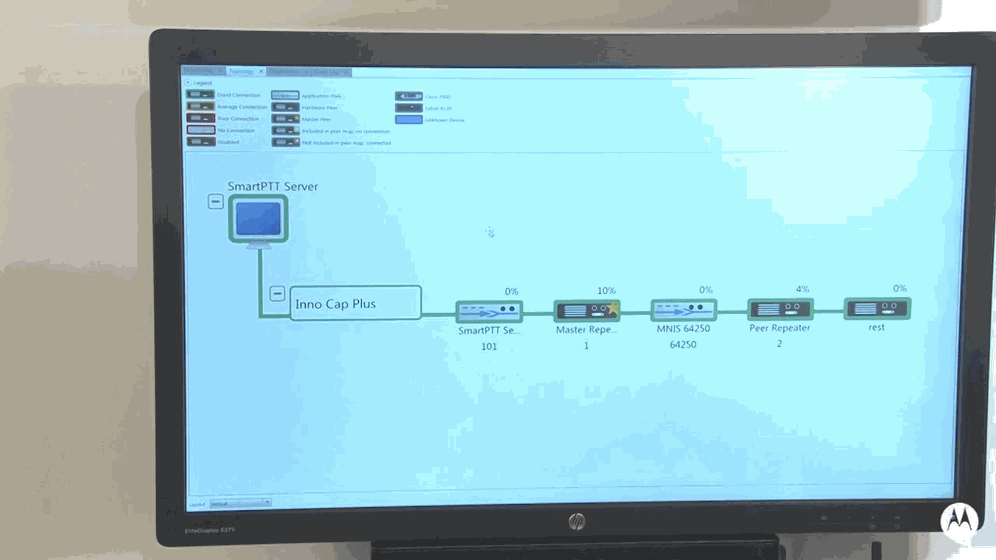
We build the servers, configure the software and document the result rather than handing over a default install.
Radio data is connected to the systems you already run, so it arrives where your people are already looking.
Automated monitoring flags a degrading service early, so it is dealt with before anyone notices on the air.
Firmware, licenses and configuration are kept current under agreement instead of drifting out of support.
What customers usually add alongside the Custom Dashboards, so the whole setup arrives on one quote.
Tell us how the radios will be used and we will recommend a tier rather than quoting the most expensive option on the list.