CoreViewing
Dispatch Console
- All talkgroups on one screen
- Patch resources together instantly
- Private and group calling
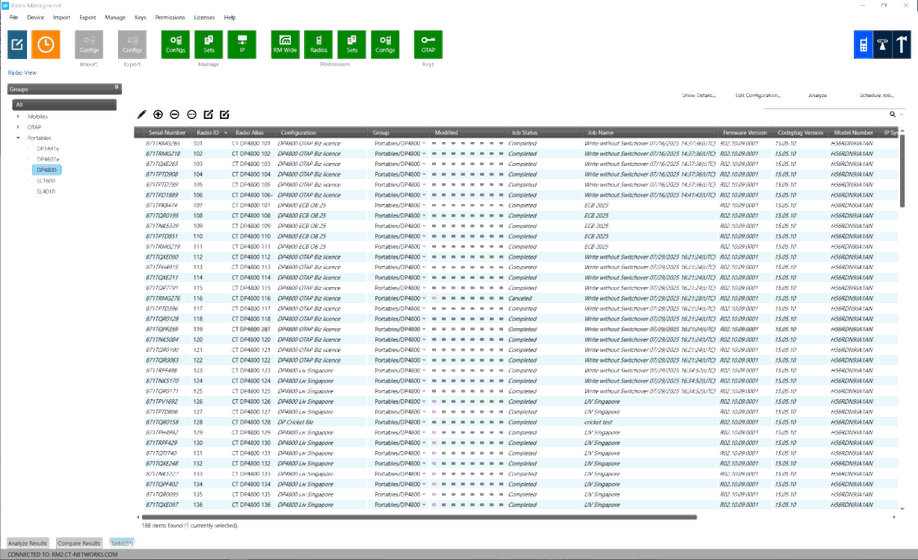
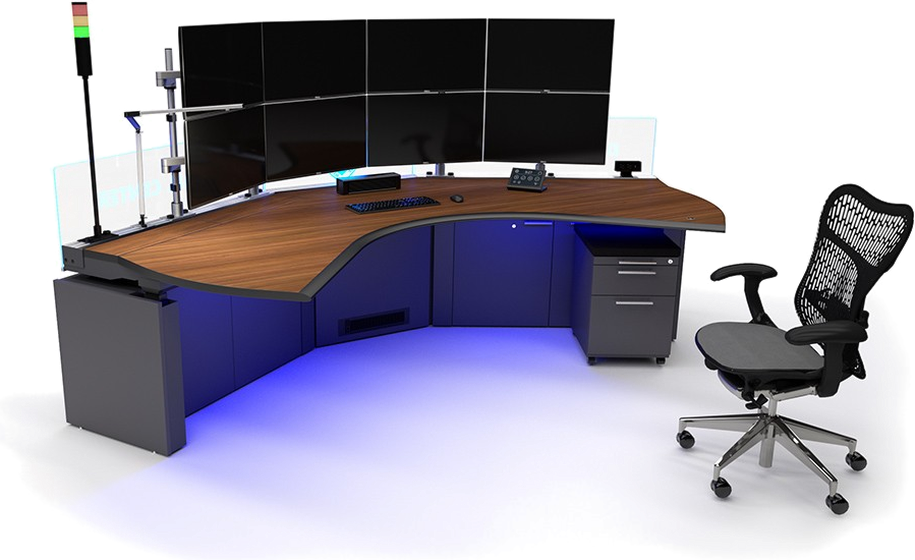
A software dispatch console puts every talkgroup, patch and system control on one screen, so an operator is not switching between a control station and three other windows. We lay the position out around how your dispatchers actually work.
Nothing is bought here. Build a list and we come back with a written quote.
A software dispatch console gives an operator every talkgroup, patching and system control on one screen. The alternative, which plenty of operations are still living with, is a control station on a desk beside three unrelated applications and a notepad.
We lay the position out around how your dispatchers actually work, not the default the software ships with. Which groups are always visible, which alerts interrupt, where the emergency control sits. Those decisions are what make a console usable under pressure.
The signal that you need a console is behavioral rather than technical. If an operator is switching between a desk radio and three other applications while an incident runs, the console is already overdue. If dispatch is one person handling light traffic, it may not be.
We lay the position out with the people who will sit at it. Which groups stay visible, which alerts interrupt, where the emergency control sits. Those decisions are what separate a console that helps under pressure from one that adds another thing to manage.
The industries we supply the Dispatch Console to, and how customers put it to work.
 Local GovernmentView industry
 UtilitiesView industry
 TransportationView industry
 HealthcareView industry
 Public SafetyView industry
Every talkgroup, patch and control in one place, instead of a control station beside three unrelated applications.
Which groups stay visible and which alerts interrupt are the decisions that make a position usable on a bad day.
A natural upgrade for operations still dispatching from a desk radio and keeping track of all of it on paper.
Every model in the Dispatch range side by side, so you can see where this one sits and what the others offer.
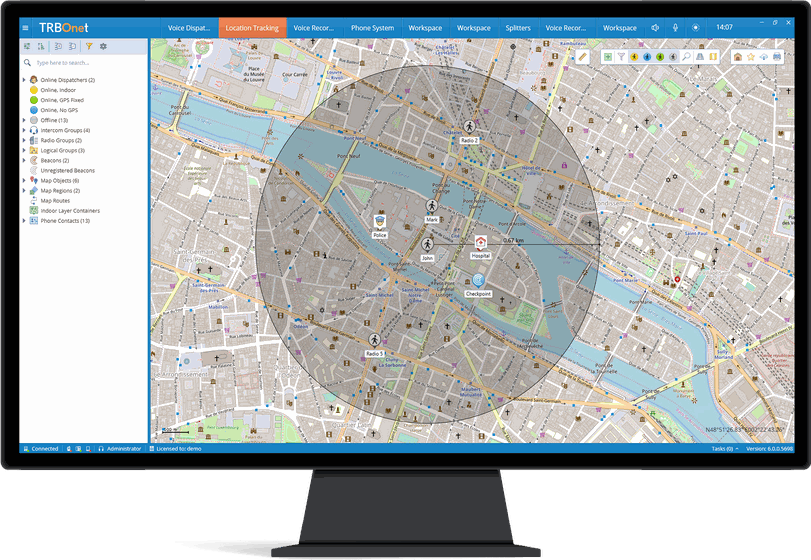
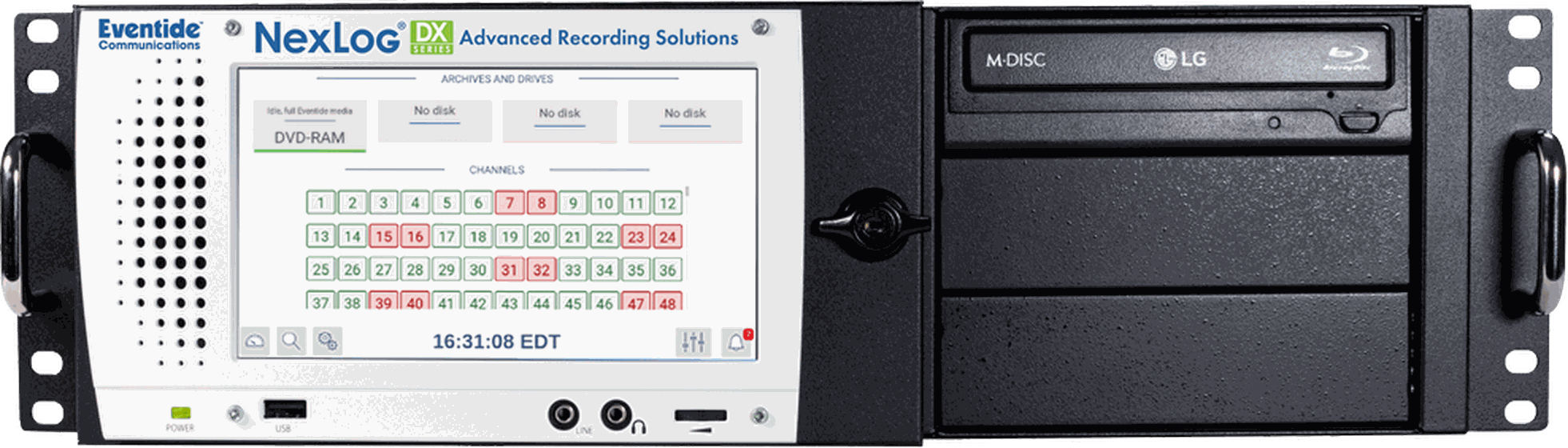
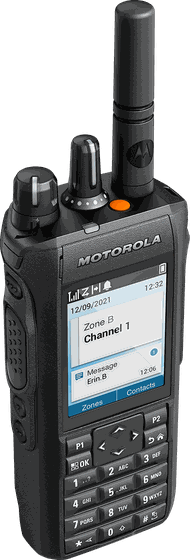
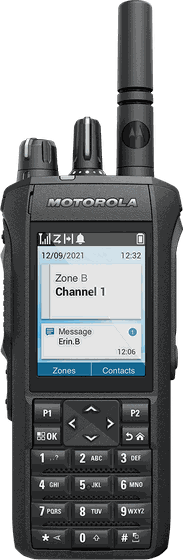

The console layout follows how your dispatchers actually work rather than how the software ships by default.
We install the position, tie it to the radio system and connect the other tools dispatch already has open.
Your dispatchers are trained on the live system before go-live, so day one is not spent learning the screen.
A dispatch position down is an emergency, so it is covered by 24/7 response rather than next business day.
What customers usually add alongside the Dispatch Console, so the whole setup arrives on one quote.
Tell us how the radios will be used and we will recommend a tier rather than quoting the most expensive option on the list.