Core
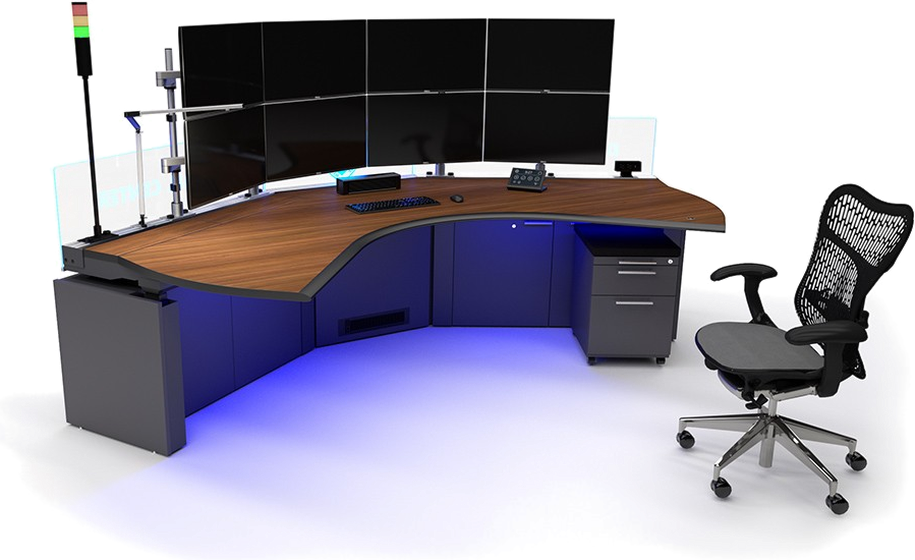
Dispatch Console
- All talkgroups on one screen
- Patch resources together instantly
- Private and group calling
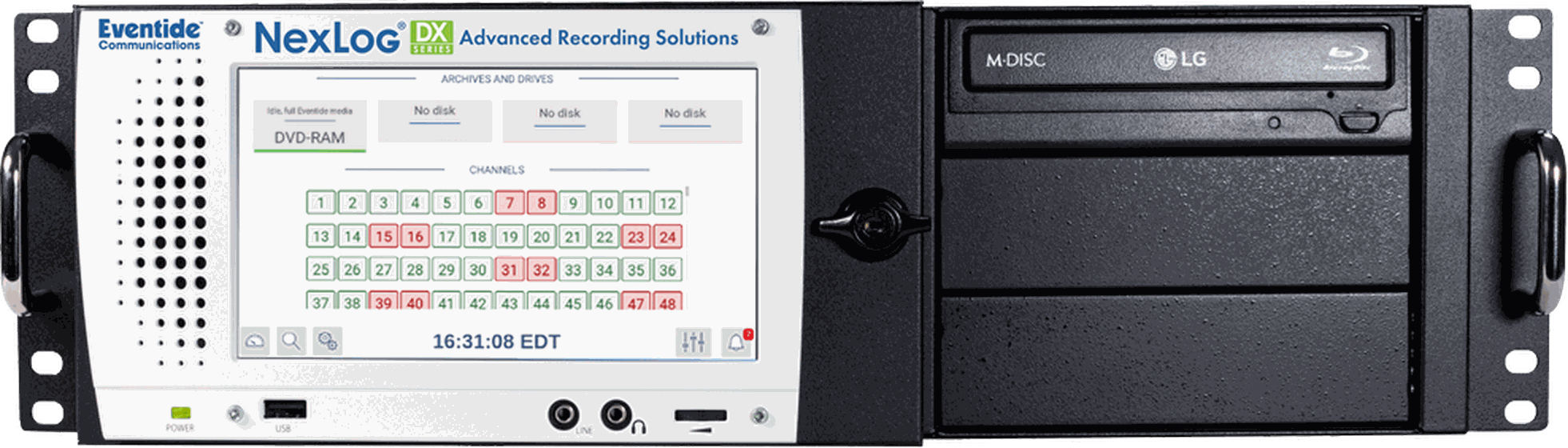
Every transmission logged, timestamped and searchable, which is what you need for a review, for training and for any inquiry that arrives months later. Retention is set to your policy rather than to whatever the software happened to ship with.
Nothing is bought here. Build a list and we come back with a written quote.
Recording every transmission is straightforward. Being able to find a specific thirty seconds eighteen months later is the part that separates a working system from a box with a disk quietly filling up inside it.
We set retention to your policy, index the recordings so they can actually be searched, and test the retrieval before handover. The time to find out that the search does not work is not the week somebody asks you for the tape.
Recording is worth it when there is a reason to go back. A disputed instruction, a training need, an inquiry months later. If none of those are realistic for your operation, the storage and the administration are cost without a matching return behind them.
The hard part is never capture. It is being able to find a specific thirty seconds eighteen months later, which depends on indexing and on retrieval having been tested. We prove it works at handover rather than the week somebody needs it.
The industries we supply the Voice Recording to, and how customers put it to work.
 Public SafetyView industry
 HealthcareView industry
 TransportationView industry
 Local GovernmentView industry
 UtilitiesView industry
Retrieving the exact minute of an incident long after it happened, which is the only test that genuinely matters.
Recorded incidents are the most useful training material an operation has, and it is already being captured.
Configured to the rules you actually have to meet instead of whatever default the software happened to arrive with.
Every model in the Dispatch range side by side, so you can see where this one sits and what the others offer.
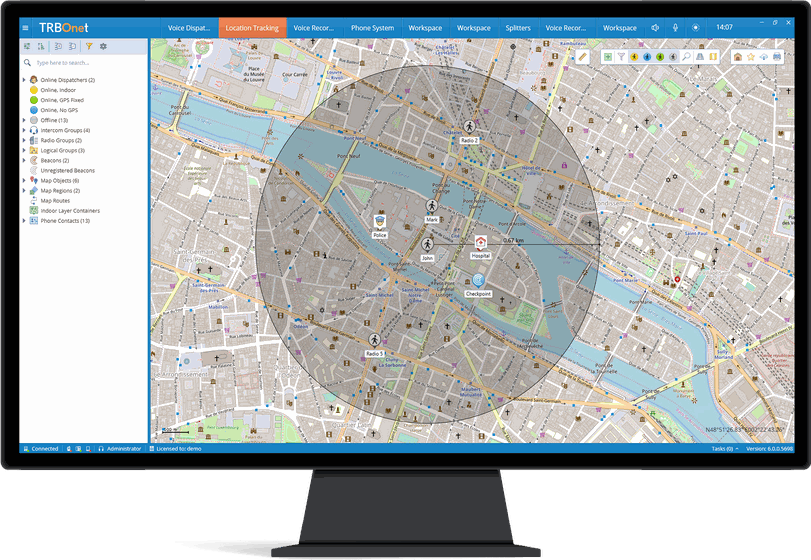
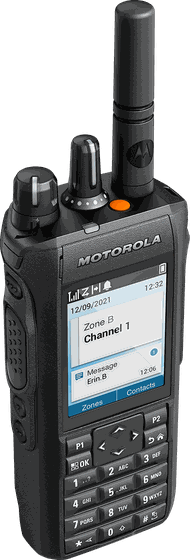
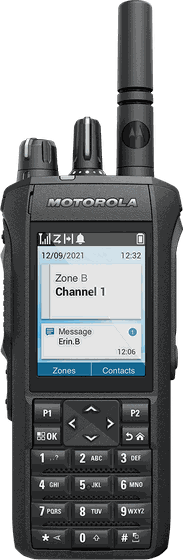
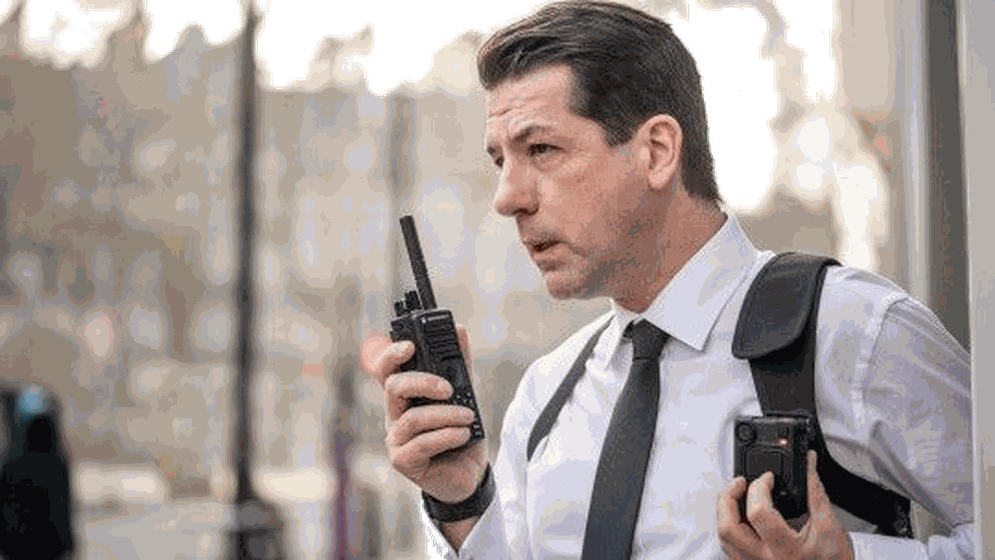
The console layout follows how your dispatchers actually work rather than how the software ships by default.
We install the position, tie it to the radio system and connect the other tools dispatch already has open.
Your dispatchers are trained on the live system before go-live, so day one is not spent learning the screen.
A dispatch position down is an emergency, so it is covered by 24/7 response rather than next business day.
What customers usually add alongside the Voice Recording, so the whole setup arrives on one quote.
Tell us how the radios will be used and we will recommend a tier rather than quoting the most expensive option on the list.