Core
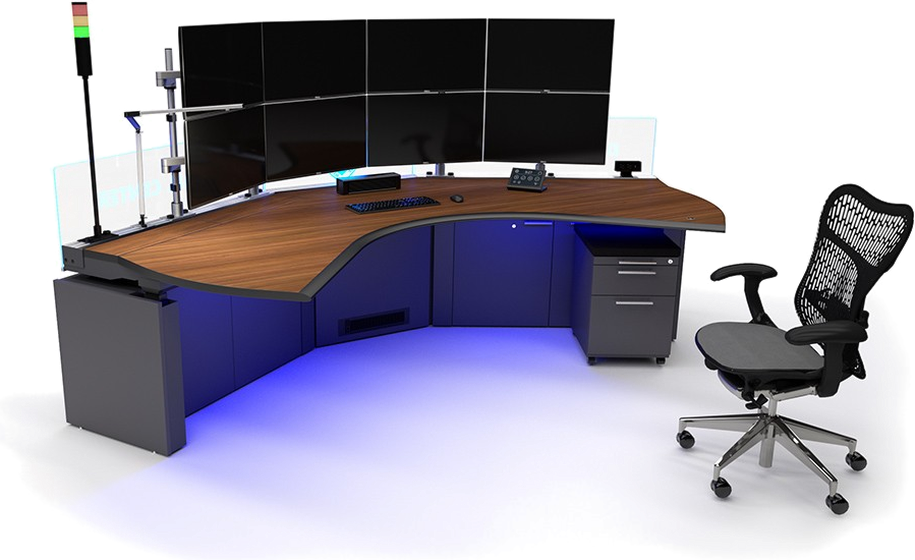
Dispatch Console
- All talkgroups on one screen
- Patch resources together instantly
- Private and group calling
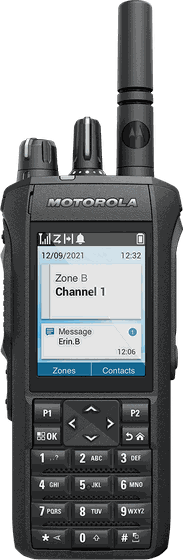
Man down, lone worker and emergency alarm features are only worth having if the alert lands somewhere a person is actually watching. We configure them to reach a dispatcher and a phone, not just a screen in an empty room.
Nothing is bought here. Build a list and we come back with a written quote.
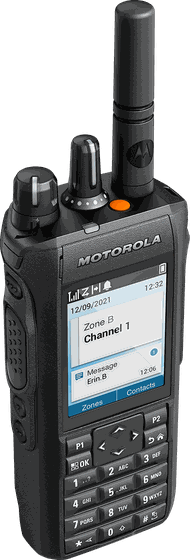
Man down, lone worker and emergency alarm features are built into the radios. Whether they do any good depends entirely on where the alert lands and whether a human being is actually looking at it when it arrives.
We configure them to reach a dispatcher, a phone and an escalation list, with timers set to how your people really work. An alarm that goes to an unwatched screen in an empty office is worse than no alarm, because it gets counted as a precaution that exists.
The feature is in the radios already. What decides whether it does any good is configuration: where the alert lands, who is watching, and what happens if nobody responds. An alarm reaching an unwatched screen is worse than none, because it is counted as a precaution.
Timers have to match how people actually work. Set too tight and the system cries wolf until somebody turns it off. Set too loose and it misses the window that mattered. We set them with the supervisors rather than from a default value.
The industries we supply the Lone Worker and Safety to, and how customers put it to work.
 Oil and MiningView industry
 UtilitiesView industry
 ConstructionView industry
 HealthcareView industry
 Property ManagementView industry
Configured to reach a dispatcher and a phone, because an alarm on an unwatched screen counts for nothing at all.
Check-in intervals set to how your people actually work, so the system is not crying wolf every other hour.
If the first person does not respond the alert moves on, which is the part most configurations quietly leave out.
Every model in the Dispatch range side by side, so you can see where this one sits and what the others offer.
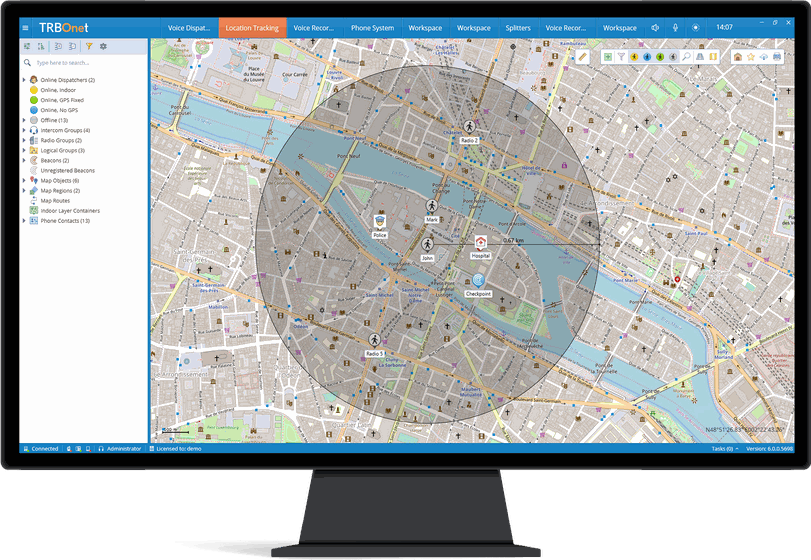
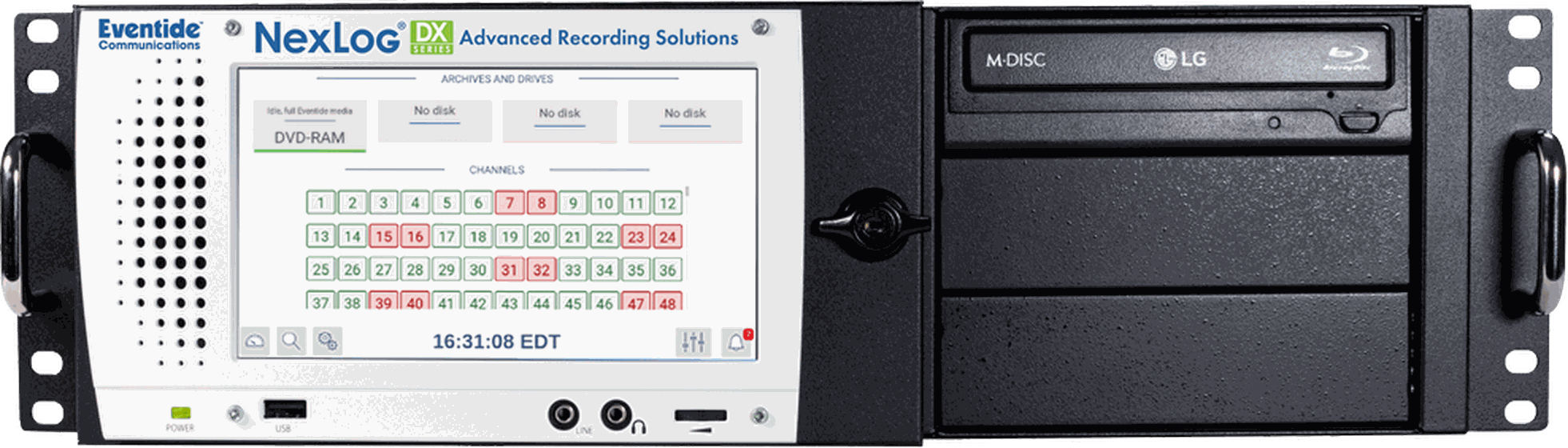

The console layout follows how your dispatchers actually work rather than how the software ships by default.
We install the position, tie it to the radio system and connect the other tools dispatch already has open.
Your dispatchers are trained on the live system before go-live, so day one is not spent learning the screen.
A dispatch position down is an emergency, so it is covered by 24/7 response rather than next business day.
What customers usually add alongside the Lone Worker and Safety, so the whole setup arrives on one quote.
Tell us how the radios will be used and we will recommend a tier rather than quoting the most expensive option on the list.