Core
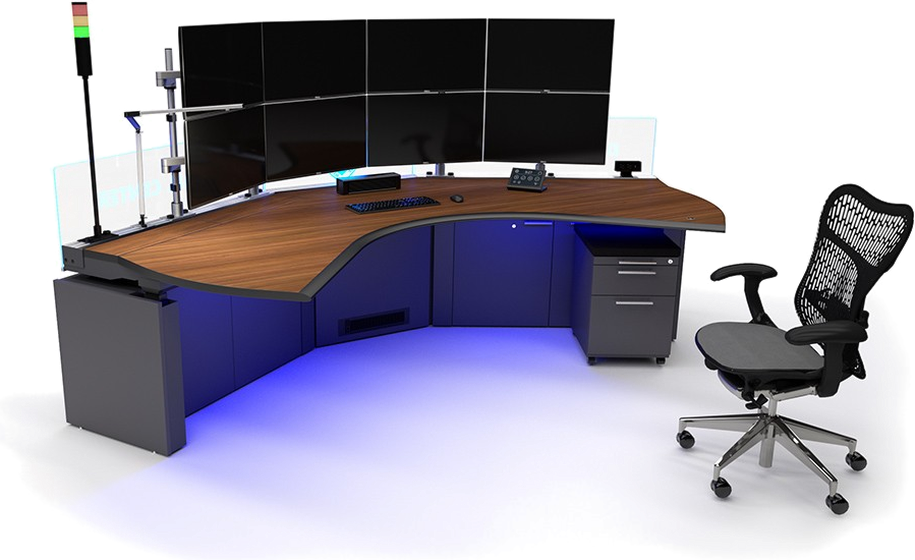
Dispatch Console
- All talkgroups on one screen
- Patch resources together instantly
- Private and group calling

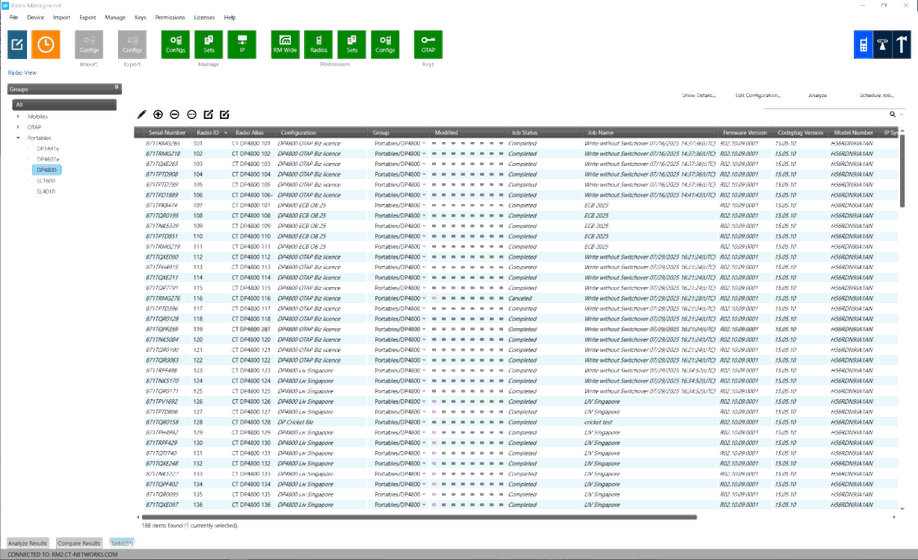
Radio tied into the other systems you already run, so dispatch is one tool rather than several open at once. Events flow both ways, which means a radio alarm can raise a ticket and a ticket can reach a radio in the field.
Nothing is bought here. Build a list and we come back with a written quote.
Dispatch works best as one tool rather than five. Integration ties the radio system to the other software on the desk, so a dispatcher is not moving between a console, a ticketing system, a map and a phone list while an incident runs.
We build it against the workflow you have and document what was built. The question we ask of any integration is whether it removes a step somebody currently does by hand. If the answer is no, we say so rather than building it anyway.
Integration is worth doing when a dispatcher is moving between tools during an incident, which is exactly when attention is most expensive. If dispatch is already working from one screen, there is little here worth paying for and we would rather tell you that.
We build against the workflow you have and write down what was built. The question we ask of anything proposed is whether it removes a step a person currently does by hand, and if the answer is no we say so instead of building it anyway.
The industries we supply the Integration to, and how customers put it to work.
 Local GovernmentView industry
 UtilitiesView industry
 HealthcareView industry
 TransportationView industry
 Public SafetyView industry
A dispatcher stops moving between a console, a ticket system and a map while an incident is actually running.
The test for any integration is whether it takes a step away from a person, and we say so plainly when it does not.
What was built is written down, so the integration survives the staff change that always eventually happens.
Every model in the Dispatch range side by side, so you can see where this one sits and what the others offer.
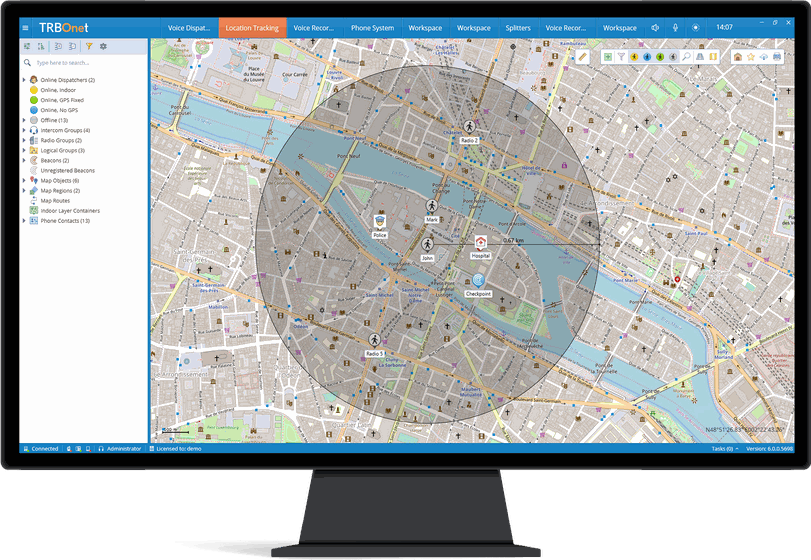
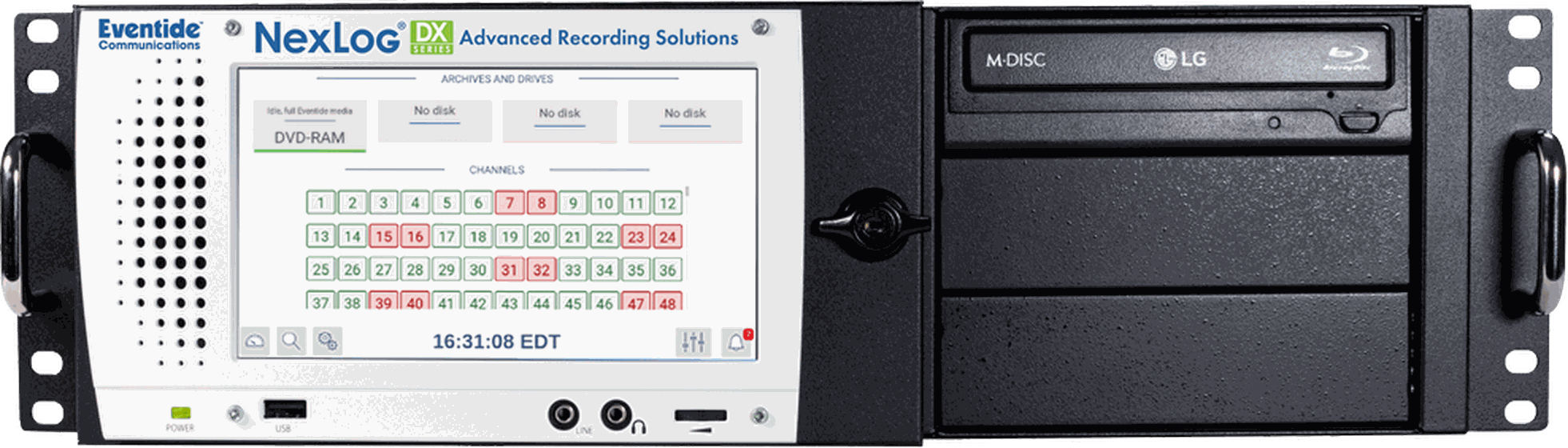
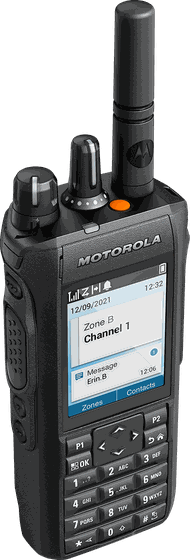
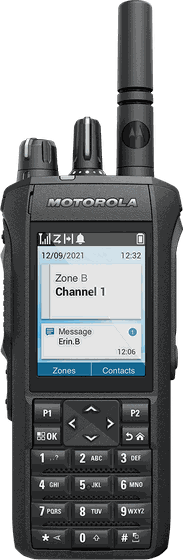
The console layout follows how your dispatchers actually work rather than how the software ships by default.
We install the position, tie it to the radio system and connect the other tools dispatch already has open.
Your dispatchers are trained on the live system before go-live, so day one is not spent learning the screen.
A dispatch position down is an emergency, so it is covered by 24/7 response rather than next business day.
What customers usually add alongside the Integration, so the whole setup arrives on one quote.
Tell us how the radios will be used and we will recommend a tier rather than quoting the most expensive option on the list.